Download Direct PDF Editor
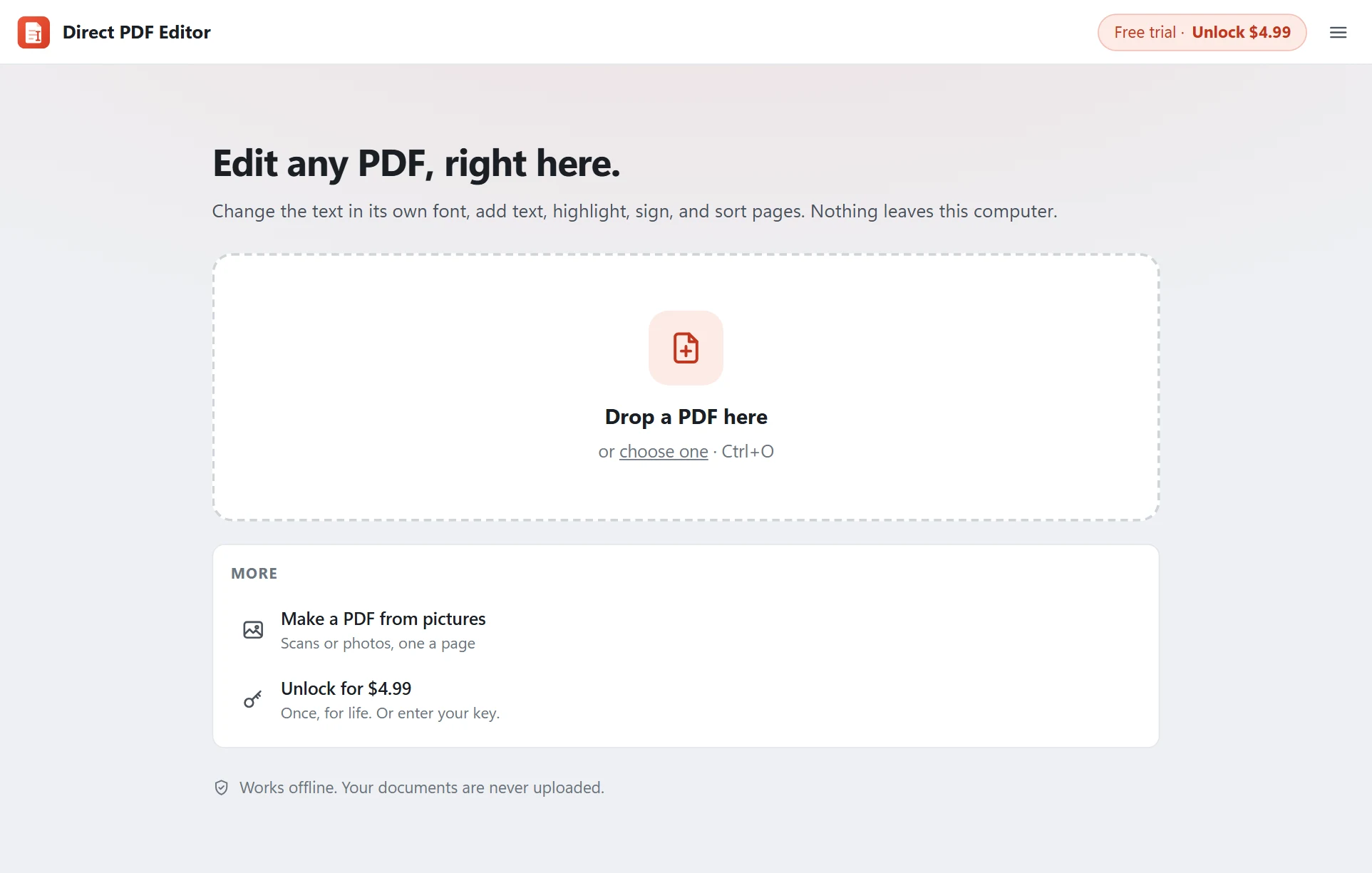
The offline PDF editor for Windows that changes text in the same font. Free to try, every feature included. Unlock it for $4.99 once when you are happy.
Version 1.0.0 · Windows 10 and 11, 64-bit · English
Install in three steps
- Run the installer you downloaded (
DirectPDFEditor-Setup.exe). No administrator password is needed. - If Windows shows "Windows protected your PC", click More info and then Run anyway. This appears for new apps until Windows has seen them many times.
- Open a PDF: drop it on the window, or right-click any PDF and choose Open with › Direct PDF Editor. Your default PDF viewer does not change.
What you get
- Edit existing text in its own font, size and colour, including scanned text
- Add text, highlights, white-out, boxes, pictures and signatures
- Merge PDFs, reorder, rotate, insert and delete pages, make PDFs from pictures
- Save text as .txt and pages as PNG or JPG
Free trial: everything works. PDFs you save carry a small grey line at the foot of each page until you unlock the app. Unlock for $4.99, then open Menu › Unlock and paste the key from your email.
System requirements
- Windows 10 or Windows 11, 64-bit
- About 25 MB of disk space
- Microsoft Edge WebView2 (built into Windows 11; the installer adds it on Windows 10 if it is missing)
- Internet only for activating your key and checking for updates. Editing works fully offline.
Questions
Windows says "Windows protected your PC". Is the download safe?
Yes. Windows shows this for new apps it has not seen many times yet. Click More info, then Run anyway. The installer is the one published on this page; you can check its SHA-256 fingerprint below.
Do I need administrator rights?
No. Direct PDF Editor installs for your Windows account only, in your own programs folder, so no admin password is needed.
How do I uninstall it?
Open Windows Settings, go to Apps, find Direct PDF Editor and choose Uninstall. Your PDFs are never touched.
SHA-256 of the installer: 3653ef7ffeda6e51d518c3ef8199c500a78a49f4ea55a2cd2249b670e93fc1e3